University life is already demanding—lectures, assignments, exams, and maybe even a thesis or literature review. Now add managing a student society on top of that, and things can quickly spiral.
Look, I get it, university life is stressful but leading or participating in a student society shouldn’t feel like chaos.
The good news? In 2026, AI tools have evolved into powerful assistants that can handle planning, communication, scheduling, and even decision-making. If used properly—and ethically—you can transform your society into a highly organized, high-impact team.
This guide will show you exactly how to use AI for project management in student societies, step-by-step.
Why AI is a Game-Changer for Student Societies
Managing a student society is basically running a mini startup. You deal with:
- Event planning
- Team coordination
- Budget tracking
- Marketing campaigns
- Academic responsibilities alongside it
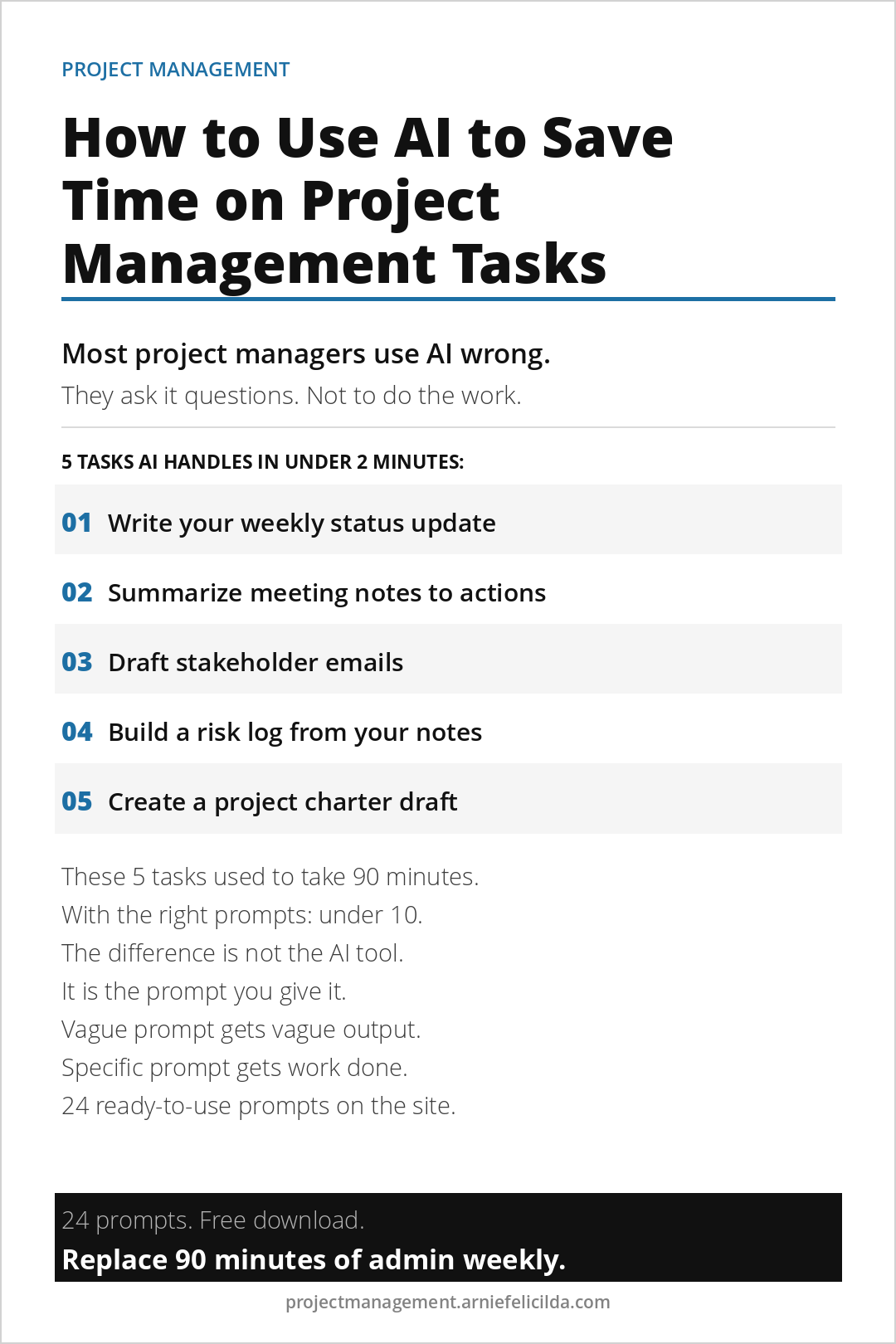
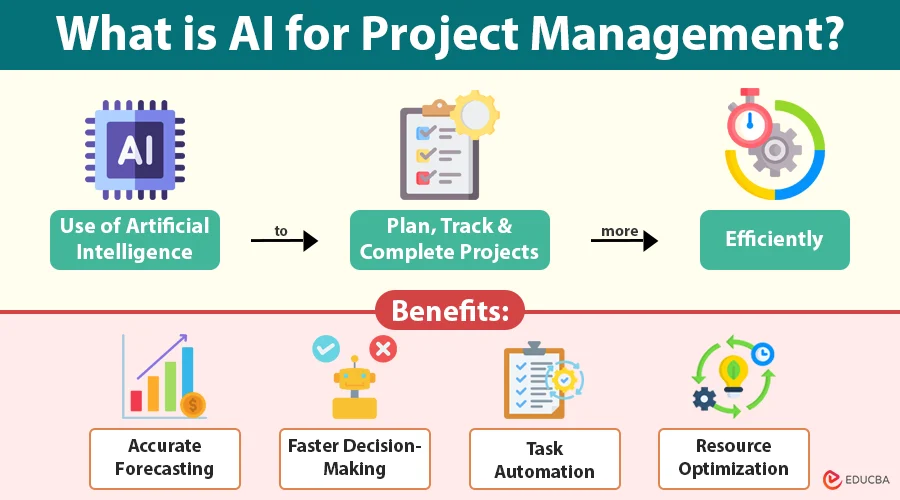
AI helps by automating repetitive work, improving communication, and giving you smart insights.
Here is the real talk about using AI for your assignments and leadership tasks: AI won’t replace your thinking—but it will amplify it.
In fact, combining AI with strong academic integrity ensures you stay ethical while boosting productivity.
Key AI Capabilities for Project Management
1. Smart Task Automation
AI tools can automatically:
- Assign tasks based on member availability
- Send reminders
- Track deadlines
Tools like Asana and Trello now include AI assistants that predict delays and suggest timelines.
2. AI-Powered Meeting Summaries
No more messy meeting notes.
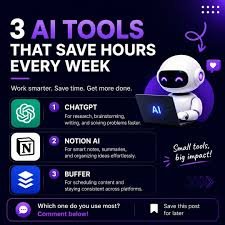
Use tools like Notion or ChatGPT to:
- Summarize meetings
- Extract action points
- Assign responsibilities
This is especially helpful when juggling society work and thesis research.
3. Intelligent Planning & Scheduling
AI can:
- Suggest best meeting times
- Optimize event schedules
- Avoid clashes with academic deadlines
4. Communication Enhancement
AI helps draft:
- Emails
- Announcements
- Social media posts
This is perfect for maintaining professional communication without spending hours writing.
5. Data-Driven Decision Making
AI tools analyze:
- Event performance
- Member engagement
- Budget efficiency
So instead of guessing, your decisions are backed by real data.
Best AI Tools for Student Society Project Management (2026)
Here’s a practical comparison of the most useful tools:
| Tool | Best For | Key AI Features | Ease of Use | Ideal For |
|---|---|---|---|---|
| Notion AI | All-in-one workspace | Notes, summaries, task automation | High | Small to medium societies |
| Trello AI | Visual task tracking | Smart boards, automation | Very High | Beginners |
| Asana AI | Advanced project tracking | Workflow prediction, automation | Medium | Large teams |
| ChatGPT | Content + planning | Brainstorming, writing, summarization | Very High | All societies |
If you’re just starting, combine Notion + ChatGPT. That combo alone can save you 8–10 hours weekly.
Step-by-Step: How to Use AI for Project Management in Student Societies
Step 1: Centralize Everything in One AI Workspace
Start by creating a shared workspace using Notion.
Set up:
- Task boards
- Event calendars
- Member directories
Then use AI to organize it automatically.
Example prompt:
“Organize this student society event plan into tasks with deadlines and assign roles.”
Boom—you just saved an hour of manual planning.
Step 2: Automate Task Assignment
Use Trello or Asana AI features to:
- Assign tasks based on workload
- Set deadlines automatically
- Trigger reminders
This reduces confusion and ensures accountability.
Small tip: Always review AI suggestions. Don’t blindly trust it—your judgement still matters.
Step 3: Use AI for Meeting Productivity
After every meeting:
- Paste notes into ChatGPT
- Ask it to summarize key points
- Generate action items
Example:
“Summarize this meeting and list actionable tasks with deadlines.”
This ensures nothing gets missed—even if your tired after a long day.
Step 4: Plan Events with AI Assistance
Ask AI:
- “Create a timeline for a university tech event”
- “Generate a checklist for organizing a seminar”
It will give you structured plans instantly.
This is especially useful during peak academic periods like exams or literature review deadlines.
Step 5: Improve Communication
Use AI to draft:
- Emails to sponsors
- Event announcements
- Social media posts
You can even refine tone:
“Make this email more professional but friendly.”
Just double-check before sending—AI can sometimes sound slightly off.
Step 6: Track Progress with AI Insights
Use dashboards in Asana or Notion to:
- Monitor task completion
- Identify delays
- Adjust plans
AI will highlight bottlenecks you might not notice.
AI Tool Checklist for Student Leaders
Before adopting any AI system, make sure it meets these criteria:
- Supports collaboration
- Offers AI automation features
- Integrates with calendars and emails
- Helps with note-taking and summaries
- Maintains data privacy (important for academic integrity)
- Easy for your team to learn
If a tool feels too complex, your team won’t use it—simple as that.
Pros and Cons of Using AI in Student Societies
Pros
- Saves time (huge advantage)
- Improves organization
- Enhances communication
- Supports better decision-making
- Reduces stress
Cons
- Over-reliance can reduce critical thinking
- Requires learning curve
- Risk of misuse (violating academic integrity)
- Sometimes generates inaccurate suggestions
Here’s the honest part: AI is powerful, but it’s not perfect. You still need to think, lead, and verify.
Ethical Use of AI in Student Organizations
In 2026, ethical AI usage is a big deal.
Always:
- Use AI as a support tool, not a replacement
- Avoid plagiarism in reports or presentations
- Respect privacy when handling member data
- Be transparent about AI usage
This is especially important if your society is involved in research, thesis work, or academic collaborations.
Advanced Tips (Most Students Miss This)
Combine AI with Academic Workflows
Use the same AI tools for:
- Project management
- Literature review
- Smart note-taking
This creates a seamless productivity system.
Create AI Templates
Save prompts like:
- Event planning template
- Meeting summary template
- Weekly progress report template
This makes your workflow faster every time.
Train Your Team
Don’t keep AI to yourself.
Teach your team:
- How to use it
- When to use it
- When NOT to use it
Otherwise, you’ll end up doing everything anyway.
Why lrnai.xyz is Your Go-To Resource
If you’re serious about mastering AI for student productivity, lrnai.xyz is built exactly for you.
From AI-powered thesis research to smart note-taking systems and ethical usage guides, it covers everything you need to succeed in modern academia.
Think of it as your digital mentor in this AI-driven world.
Final Thoughts
Using AI for project management in student societies isn’t just a productivity hack—it’s becoming a necessity.
The students who learn this now will:
- Lead better teams
- Manage time smarter
- Reduce stress significantly
And honestly, your future self will thank you.
Yes, there might be a slight learning curve. Yes, you might make a few mistakes (we all do). But once you get the hang of it, the results are worth it.
Call to Action
Start small today.
Pick one tool—maybe Notion or ChatGPT—and apply it to your next society task. You’ll quickly see the difference.
Then come back to lrnai.xyz for more practical AI guides, share your experience, and level up your student productivity game.
Because in 2026, it’s not about working harder—it’s about working smarter.